
Note: Support for SeaMonkey 1.x has been discontinued.
We strongly advise all users to download the current release instead.
If you are looking for information that applies to current releases, please see Documentation and Help.
We strongly advise all users to download the current release instead.
If you are looking for information that applies to current releases, please see Documentation and Help.
SeaMonkey 1.1 Screenshots
The screenshots below show SeaMonkey 1.1 in action on a Windows XP computer.
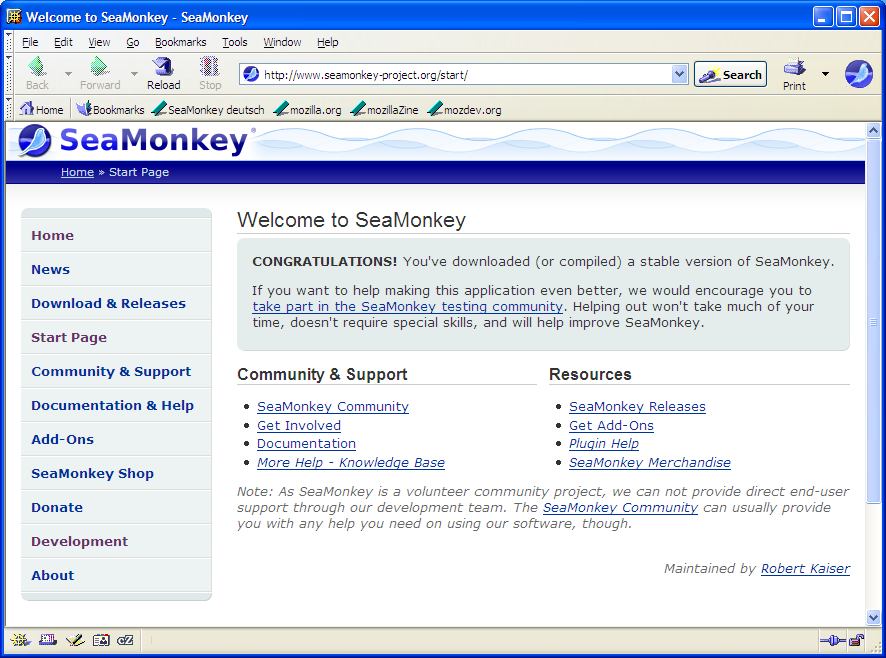
Browser window after startup |
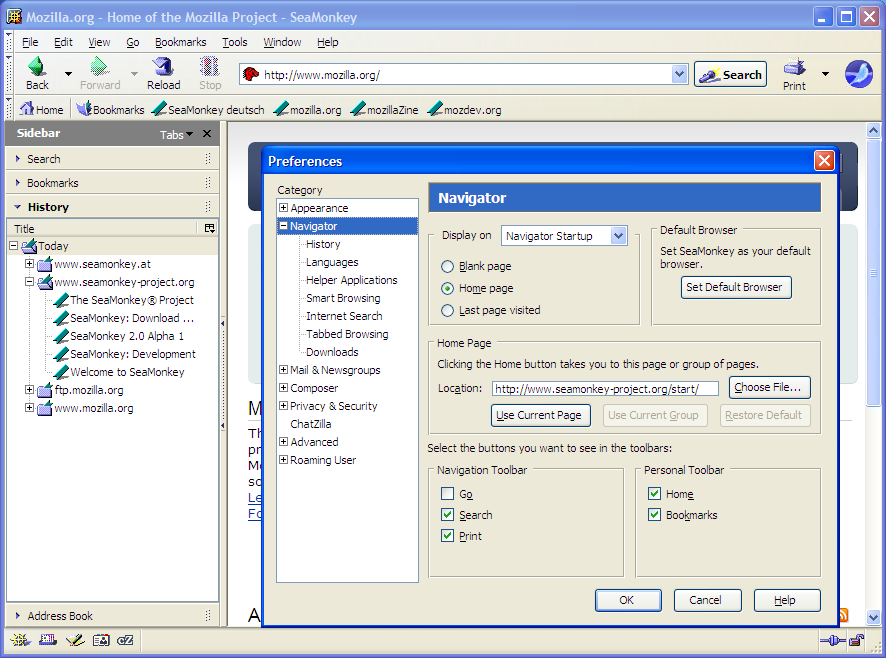
Browser window with open sidebar and preferences |
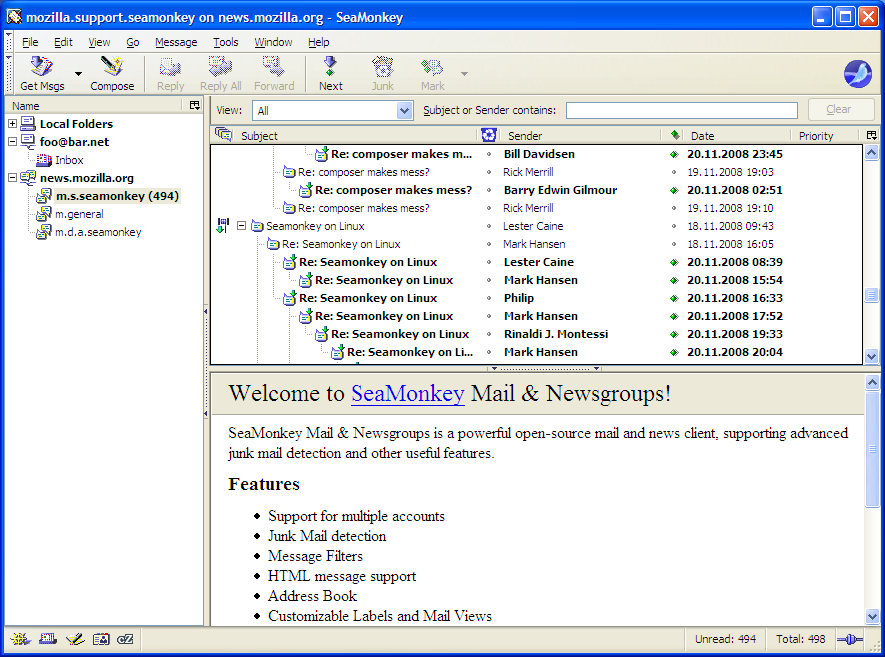
Mail & Newsgroups |
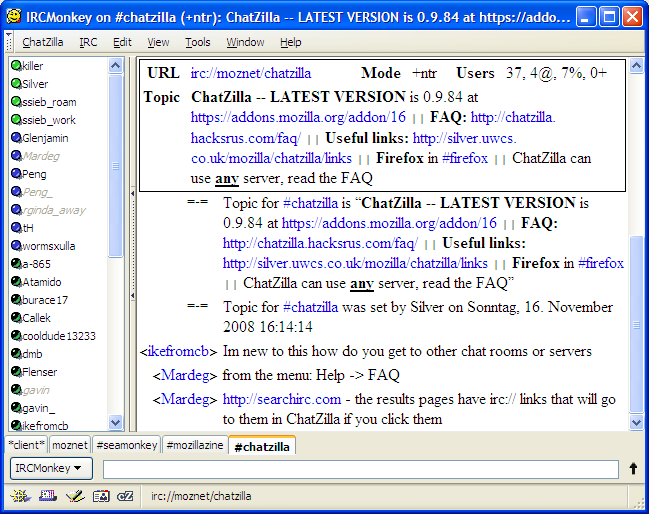
IRC communication with ChatZilla |
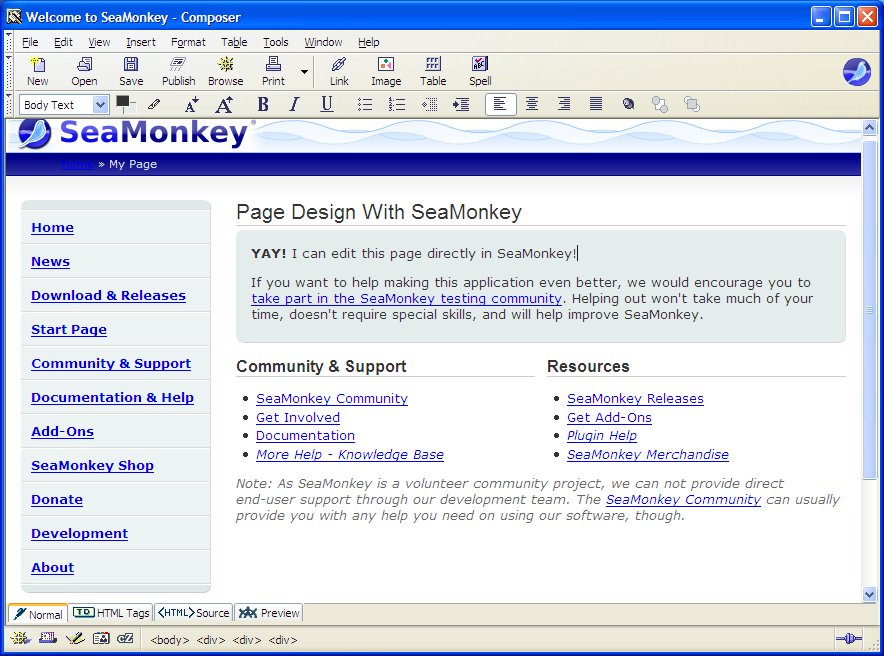
Composer, editing a web page |
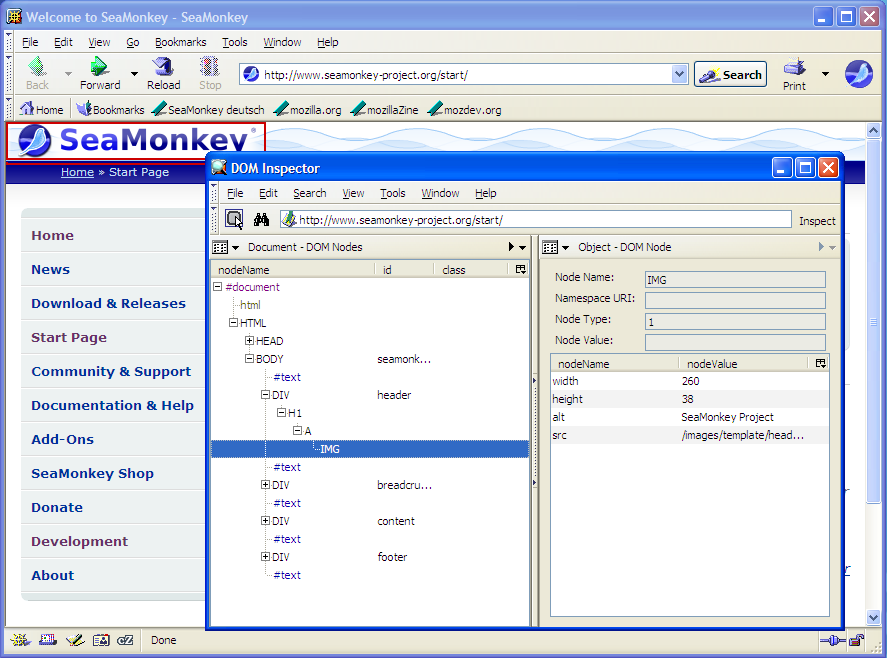
DOM Inspector, digging into page structure |
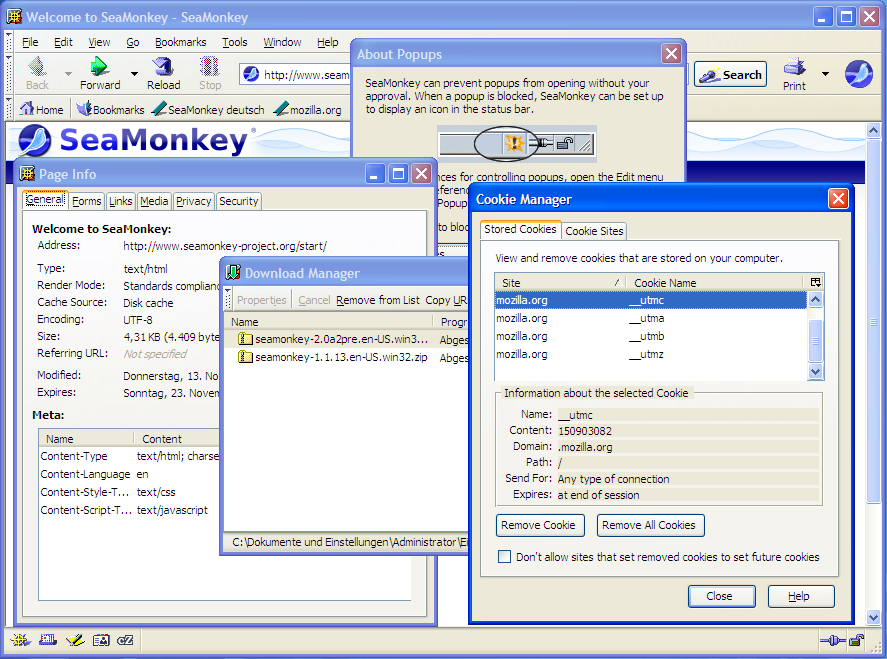
SeaMonkey offers a lot of advanced functionality, available at your fingertips! |
|